



Chevy Key Fob Not Working? Battery Replacement & Troubleshooting Guide
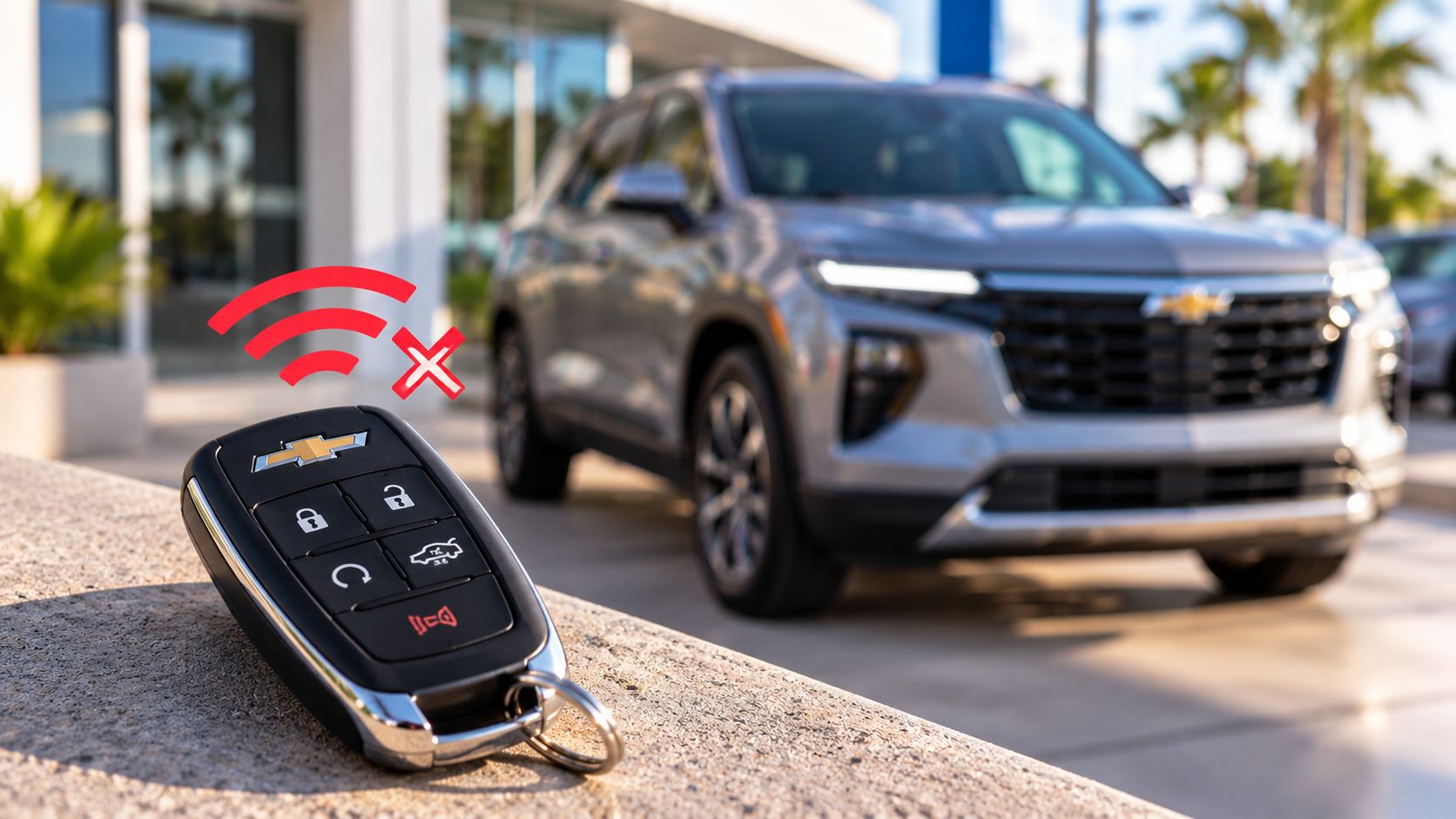
You press the unlock button on your Chevy key fob, but nothing happens. Maybe the doors won't unlock, the vehicle displays "No Remote Detected," or your remote start suddenly stops responding.
A weak key fob battery is one possible cause, but it isn't the only explanation. Signal interference, a damaged remote, or a problem with the vehicle's electrical system can produce similar symptoms.
At Cutter Chevrolet in Honolulu, we want Chevy owners to know what to check before replacing a remote or arranging service.
Here's how to troubleshoot the problem, understand your replacement options, and find the right next step.
Why Is My Chevy Key Fob Not Working?
A Chevrolet key fob communicates wirelessly with your vehicle. Depending on the model, it may control door locks, the liftgate, remote start, and other functions.
When those features stop responding, several issues could be responsible.
| Symptom | Possible cause | What to check |
|---|---|---|
| Buttons work only near the vehicle | Weak remote battery or interference | Battery condition and surroundings |
| No buttons respond | Depleted battery, damaged fob or vehicle issue | Spare remote and vehicle battery |
| "No Remote Detected" appears | Weak signal or key detection problem | Backup starting procedure |
| One button stops working | Worn or damaged remote button | Physical condition of the fob |
| New key fob doesn't operate the vehicle | Incorrect remote or programming issue | Vehicle compatibility and setup |
A key fob battery is a sensible starting point because it is generally simpler to address than replacing the entire remote.
However, replacing the battery will not repair a damaged circuit board or resolve every vehicle-side electrical problem.
How to Tell if Your Chevy Key Fob Battery Is Low
Your Chevrolet may provide clues that the remote battery is weakening.
Some models display a warning such as "Replace Battery in Remote Key."
Other possible signs include a shorter operating range or intermittent responses when you press the lock and unlock buttons.
Try these initial checks:
- Stand near the vehicle and press the unlock button.
- Try the lock button to see whether another function responds.
- Check whether a spare key fob operates normally, if you have one.
- Look for cracks, moisture damage or damaged buttons.
- Consult your vehicle's owner's manual for any remote battery warnings.
If the spare remote works but the primary remote does not, the problem may be isolated to the first key fob.
If neither remote works, don't automatically assume both batteries have failed. The vehicle's electrical system or another issue may require attention.
How to Replace a Chevy Key Fob Battery
Many Chevrolet key fobs use replaceable coin-cell batteries.
The exact battery type and opening method depend on the vehicle's model year and remote design.
Some Chevrolet owner's manuals specify a CR2032 battery, but you should confirm the correct battery for your particular remote before purchasing one.
Step 1: Identify Your Key Fob
Find your Chevrolet model, model year and owner's manual.
The remote may have a removable mechanical key, a sliding release button or a different case design.
Do not force the case open without confirming the correct procedure.
Step 2: Purchase the Correct Replacement Battery
Use the battery type specified in the owner's manual.
Pay attention to the battery's polarity markings.
An incorrectly installed or incompatible battery can prevent the remote from operating properly.
Coin-cell batteries also pose serious hazards if swallowed. Keep new and used batteries away from children and dispose of them safely.
Step 3: Open the Remote According to Its Instructions
Follow the owner's manual's battery replacement procedure.
Some remotes can be opened using a small tool, while others have a specific release mechanism.
Avoid damaging the casing, internal contacts or electronic components.
Step 4: Install the New Battery
Remove the old battery and position the replacement as directed.
Check the positive and negative markings before closing the case.
Reassemble the remote carefully, ensuring the cover fits securely.
Step 5: Test the Key Fob
Once the battery is replaced, test the lock and unlock functions.
If your model supports other remote functions, check those as well.
If the remote still does not respond, review your owner's manual before attempting additional repairs.
A battery replacement generally does not require programming an entirely new remote, but model-specific procedures and exceptions should always be checked.
What to Do if Your Chevy Says "No Remote Detected"
Seeing "No Remote Detected" can be frustrating, especially when you're trying to leave home or a parking garage.
Fortunately, some Chevrolet vehicles equipped with Keyless Start provide a backup procedure that may allow you to start the vehicle when the fob's battery or signal is weak.
Chevrolet explains this process in its official Keyless Open and Keyless Start guide.
For supported vehicles, the procedure generally involves:
- Entering the vehicle using the available mechanical key when necessary.
- Finding the designated key fob pocket or backup detection location.
- Placing the key fob in that location.
- Following the vehicle's instructions for starting.
The location of the backup detection pocket varies by model. It may be inside the center console or another designated area.
Do not assume that every Chevrolet uses the same emergency starting procedure.
Check your owner's manual before attempting it.
A vehicle that still fails to recognize the remote may have a different electrical or key detection issue requiring diagnosis.
Can You Unlock a Chevrolet With a Dead Key Fob?
Many Chevrolet vehicles equipped with Keyless Open have a mechanical key concealed inside the remote.
Depending on the model, you may be able to release this key and use it to unlock the driver's door.
Some vehicles have a visible lock cylinder. Others conceal it behind a removable door-handle cover.
Chevrolet's keyless entry support information explains these features and directs owners to the appropriate procedures.
If your vehicle does not respond as expected, consult the manual for its exact unlocking method.
Avoid prying at a door handle without knowing where the lock cylinder is located.
You could damage the surrounding trim or the lock cover.
Why Won't My Chevy Key Fob Work After Replacing the Battery?
If a fresh, correctly installed battery doesn't solve the problem, the next step is to narrow down the cause.
Incorrect Battery Installation
Check that the battery is the correct type and installed in the specified orientation.
A battery that does not contact the remote's terminals properly may prevent operation.
Damaged Remote Components
A key fob can be affected by impact, moisture or worn buttons.
Visible damage may indicate that replacing the battery alone is insufficient.
Signal Interference
Electronic equipment and nearby radio signals can sometimes interfere with communication between a key fob and vehicle.
If the remote operates in one location but not another, interference is worth considering.
Vehicle Battery or Electrical Problems
Your key fob depends on the vehicle's receiving system.
If the vehicle battery is discharged or another electrical problem is present, the remote may not operate normally.
A vehicle that also has trouble starting or powering accessories may need additional diagnosis.
Replacement Remote Programming
A newly purchased remote may require programming or special setup before it can communicate with your Chevrolet.
Chevrolet's GM Genuine Parts listings identify replacement remotes and provide compatibility information.
Do not assume a remote will work merely because it looks identical to your existing key fob.
Should You Replace the Battery or the Entire Key Fob?
The right choice depends on what is causing the problem.
A battery replacement may be sufficient if the remote is undamaged and its battery is depleted.
A complete replacement may be appropriate if the remote is physically damaged, its electronics have failed, or it cannot be restored to reliable operation.
Before buying a replacement, identify the correct part for your specific Chevrolet.
The vehicle identification number (VIN) may help determine compatibility.
At Cutter Chevrolet, our parts department can assist with genuine Chevrolet parts inquiries.
You can use our online parts request form to submit your vehicle details and ask about the component you need.
If diagnosis is necessary, our service department provides Chevrolet maintenance and repair services.
Replacement key fob compatibility, programming requirements and specific service availability should be confirmed before your visit.
When Should You Schedule Chevrolet Service?
Consider professional assistance when the remote still fails after the recommended battery checks or when the vehicle repeatedly displays a key detection warning.
Other reasons to request assistance include a damaged remote, a replacement key that requires setup, or signs of a vehicle electrical problem.
When contacting our team, have the following information ready:
- Chevrolet model and model year
- Vehicle identification number
- Description of the remote's symptoms
- Whether a spare key works
- Whether the remote battery has been replaced
This information helps us understand your concern and determine the appropriate next step.
Get Help With Your Chevy Key Fob in Honolulu
A key fob that stops working doesn't always mean you need an entirely new remote.
Checking the battery, confirming the correct replacement part and using your vehicle's backup access procedures can help narrow down the issue.
At Cutter Chevrolet, we're located at 711 Ala Moana Blvd, Honolulu, HI 96813.
Our parts department handles Chevrolet parts inquiries, and our service team assists with vehicle maintenance and repair needs.
You can request a service appointment or contact our dealership to discuss your key fob concern.
We'll help you identify the next appropriate step for your Chevrolet.
Categories:
New Inventory